
Turn Any Photo into Seamless PBR Materials
Brush over any reference image. Generative AI creates seamless, tileable PBR materials ready for your 3D pipeline.
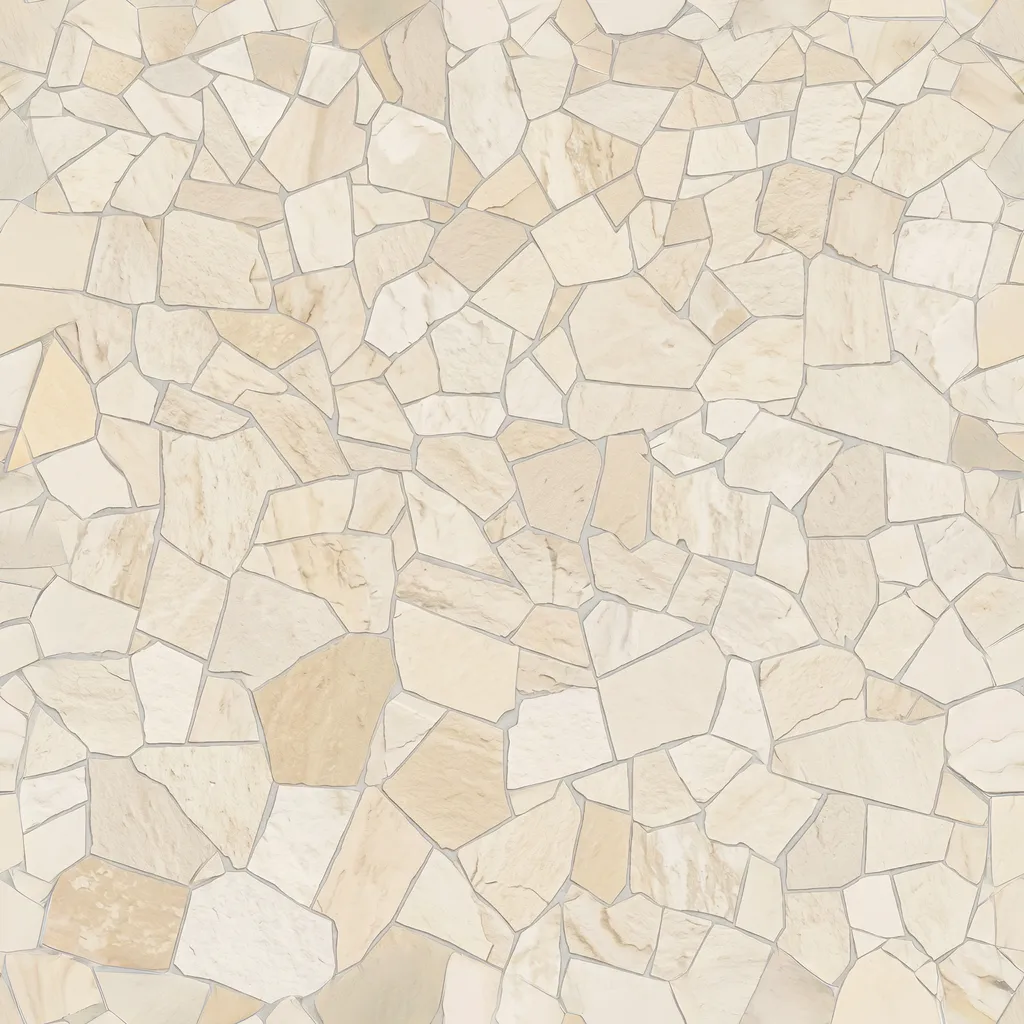
Create faster, create more.
Generate production-ready PBR materials from any photo reference in seconds.


Render-ready in every light.
Generates calibrated diffuse, normal, roughness, and displacement maps that react accurately in any 3D scene.
Extract Any Material
From rough concrete and rusted iron to clay, wood, and stone—brush over any surface in a photo to generate tileable PBR textures instantly.


How It Works
From photo reference to production 3D shader in three simple steps.
Capture Reference
Snap any real-world surface—concrete, wood, fabric, metal, or stone—with your phone or camera.
Brush & Tile
Brush over the target area. AI balances lighting, removes perspective distortion, and generates seamless tileable textures.
Export & Render
Download complete PBR map channels (Diffuse, Normal, Roughness, Displacement) or sync directly into 3ds Max.
Work Directly Inside Autodesk 3ds Max
Download our native plugin to create and import generated PBR materials directly into your active Slate Material Editor.
 Download Plugin